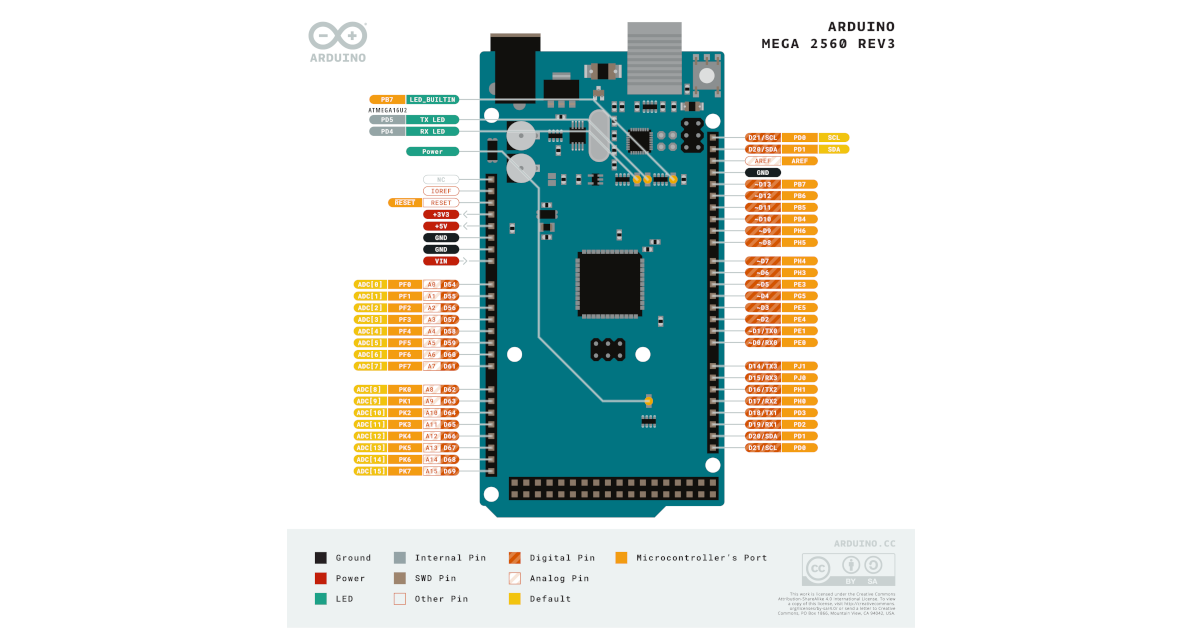
Update the RFLink gateway using CLI on your Linux server. We’ll see how to update a RFLink gateway running on an Arduino Mega without having to disconnect it from your Linux server (Home Assistant or Domoticz).
The RFLink Gateway is an open-source platform that acts as a bridge between 433MHz sensors and other smart home systems, such as Home Assistant or Domoticz.
By using RFLink, users can integrate a wide variety of 433MHz sensors with their home automation ecosystem, enabling seamless control and monitoring of devices like door/window sensors, temperature sensors, and motion detectors. This gateway simplifies the setup process, providing compatibility with many different sensor brands and protocols. RFLink enhances the versatility and interoperability of 433MHz-based devices, contributing to more efficient and connected smart home environments.
Software on the Linux server to update RFLink Gateway
Install Avrdude :
sudo apt-get install avrdude
Files to update RFLink Gateway
You can find the last relase on the website
Download it, with for example the following command :
wget https://www.rflink.nl/RFLink_v1.1_r51.zip
And uncompress it :
i@pi:~ $ unzip RFLink_v1.1_r51.zip
Archive: firmware.zip
inflating: Readme_Loader.txt
inflating: RFLinkLoader.exe
inflating: RFLinkLoader.md5
inflating: RFLinkLoader.sha512
inflating: Supported Device List.txt
inflating: Readme_RFLink.txt
inflating: RFLink Protocol Reference.txt
inflating: RFLink Schematic.jpg
inflating: avrdude.conf
inflating: avrdude.exe
inflating: libusb0.dll
inflating: FAQ.txt
inflating: Support.txt
inflating: License.txt
inflating: RFLink.cpp.hex
Update RFLink Gateway with CLI
Stop domoticz :
sudo service domoticz stop
Then upload it on the Arduino :
sudo avrdude -v -p atmega2560 -c stk500 -P /dev/ttyACM0 -b 115200 -D -U flash:w:RFLink.cpp.hex:i

avrdude: Version 6.3
Copyright (c) 2000-2005 Brian Dean, http://www.bdmicro.com/
Copyright (c) 2007-2014 Joerg Wunsch

System wide configuration file is "/etc/avrdude.conf"
User configuration file is "/root/.avrduderc"
User configuration file does not exist or is not a regular file, skipping

Using Port : /dev/ttyACM0
Using Programmer : stk500
Overriding Baud Rate : 115200
AVR Part : ATmega2560
Chip Erase delay : 9000 us
PAGEL : PD7
BS2 : PA0
RESET disposition : dedicated
RETRY pulse : SCK
serial program mode : yes
parallel program mode : yes
Timeout : 200
StabDelay : 100
CmdexeDelay : 25
SyncLoops : 32
ByteDelay : 0
PollIndex : 3
PollValue : 0x53
Memory Detail :

Block Poll Page Polled
Memory Type Mode Delay Size Indx Paged Size Size #Pages MinW MaxW ReadBack
----------- ---- ----- ----- ---- ------ ------ ---- ------ ----- ----- ---------
eeprom 65 10 8 0 no 4096 8 0 9000 9000 0x00 0x00
flash 65 10 256 0 yes 262144 256 1024 4500 4500 0x00 0x00
lfuse 0 0 0 0 no 1 0 0 9000 9000 0x00 0x00
hfuse 0 0 0 0 no 1 0 0 9000 9000 0x00 0x00
efuse 0 0 0 0 no 1 0 0 9000 9000 0x00 0x00
lock 0 0 0 0 no 1 0 0 9000 9000 0x00 0x00
calibration 0 0 0 0 no 1 0 0 0 0 0x00 0x00
signature 0 0 0 0 no 3 0 0 0 0 0x00 0x00

Programmer Type : STK500V2
Description : Atmel STK500
Programmer Model: AVRISP
Hardware Version: 15
Firmware Version Master : 2.10
Vtarget : 0.0 V
SCK period : 0.1 us

avrdude: AVR device initialized and ready to accept instructions

Reading | ################################################## | 100% 0.01s

avrdude: Device signature = 0x1e9801 (probably m2560)
avrdude: safemode: hfuse reads as D8
avrdude: safemode: efuse reads as FD
avrdude: reading input file "RFLink.cpp.hex"
avrdude: writing flash (199364 bytes):

Writing | ################################################## | 100% 35.12s

avrdude: 199364 bytes of flash written
avrdude: verifying flash memory against RFLink.cpp.hex:
avrdude: load data flash data from input file RFLink.cpp.hex:
avrdude: input file RFLink.cpp.hex contains 199364 bytes
avrdude: reading on-chip flash data:

Reading | ################################################## | 100% 25.53s

avrdude: verifying ...
avrdude: 199364 bytes of flash verified

avrdude: safemode: hfuse reads as D8
avrdude: safemode: efuse reads as FD
avrdude: safemode: Fuses OK (E:FD, H:D8, L:FF)

avrdude done. Thank you.
Start domoticz :
sudo service domoticz start
You’re done : Update the RFLink gateway using CLI on your Linux server.